2024 Buyers Guide: Fleet Management Software
Learn what's important when evaluating your options for fleet management solutions.
Read more
Track vehicles in the field, improve fleet operations, increase worker productivity and safe driving with Verizon Connect fleet management solutions. Choose from a range of customizable GPS tracking solutions that offer dashboards, reports and alerts.
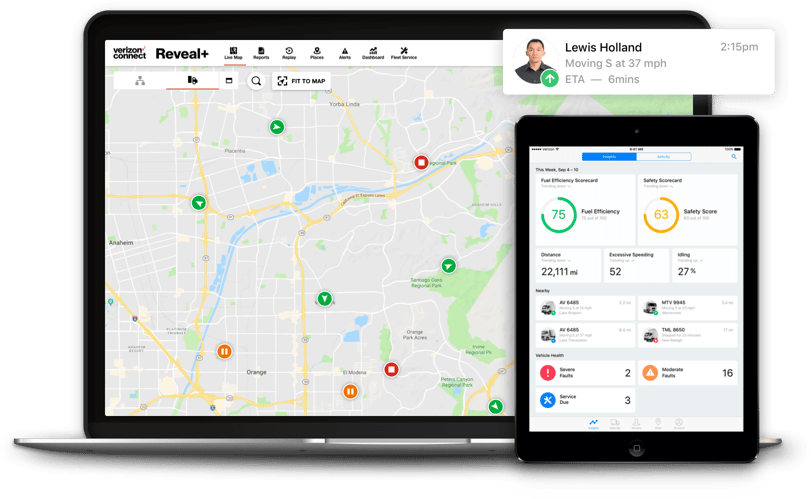
Monitor heavy equipment, trailers and assets to improve security, utilization and uptime.
Streamline and automate compliance, including HOS, ELD, DVIR and more. Make it easy for drivers and stay up to date with regulations like the ELD mandate.
Get electric vehicle (EV) details in near real-time on a live map, including charging status, location, battery-level alerts and reports.
Enjoy bundle pricing for Integrated Video and fleet tracking. Help mitigate risk, and coach your drivers with HD video, AI and driver safety data.
Integrated Video and fleet dashcams




It’s imperative that owners, operators and fleet managers find ways to save money while increasing productivity in 2022 and beyond. Technology can help save fuel and cut costs by analyzing drivers’ behaviors, purchasing options, routes and maintenance and proposing long-term efficiency solutions.
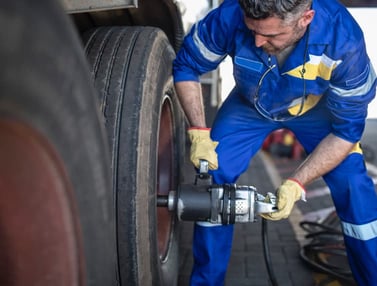
Emergency roadside assistance offers quick, cost-effective coverage, whether you need fuel delivery or a flat tire replaced.
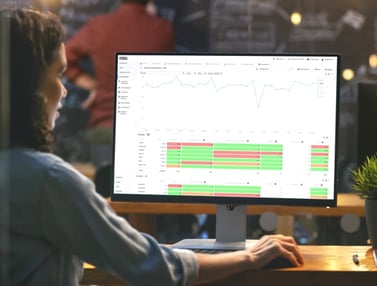
Our approved software integration partners can help extend the functionality of your fleet management solution, including integration with industry-specific fleet maintenance and fuel management providers.


Free eBook
Download the report to find out more about how organizations of all sizes in various industries are cutting costs, improving productivity and getting a positive ROI with fleet management software.
Download nowJoin our partner program to develop or distribute solutions to our customers and take advantage of our extensive network.
You also get to leverage the benefits of a world-class brand, exclusive OEM telematics data from a wide range of car, truck and equipment manufacturers.
We offer a variety of partner programs. If you’re not sure which one is best for you.
Learn more about becoming a partner.
Learn what's important when evaluating your options for fleet management solutions.
Read moreWhen you rely on your vehicles as an essential part of your business, you may be accumulating hidden costs.
Read moreUser rankings say a lot about a technology’s success. See how Verizon Connect stacked up in G2’s recently released Fall...
Read more
In this episode you'll see how easy it is to monitor your entire fleet at a glance and drill down on any vehicle or driver...
Read more
Get your free 2024 Fleet Technology Trends Report and see how organizations are: